In today’s digital age, having a professional and functional website is a non-negotiable requirement for businesses of all sizes. From small startups to multinational corporations, a well-crafted website not only enhances credibility but also serves as a powerful tool to attract and engage customers. This comprehensive guide will explore website development and management for businesses, providing practical examples, exclusive insights, and actionable tips to help you succeed online.
1. The Importance of a Business Website
Why Every Business Needs a Website
A business website is more than just a digital brochure. It’s a hub for your brand’s online presence, offering potential customers valuable information about your products or services, and it serves as a critical touchpoint for marketing and sales. Key reasons to invest in a business website include:
- Credibility and Professionalism: A professional website builds trust and positions your business as credible.
- Marketing Opportunities: Your website acts as the center piece of digital marketing strategies like SEO, social media, and email campaigns.
- 24/7 Accessibility: Customers can access information about your business anytime, anywhere.
- Direct Sales Channel: E-commerce functionality enables businesses to sell products or services directly.

2. The Basics of Website Development
Choosing the Right Platform
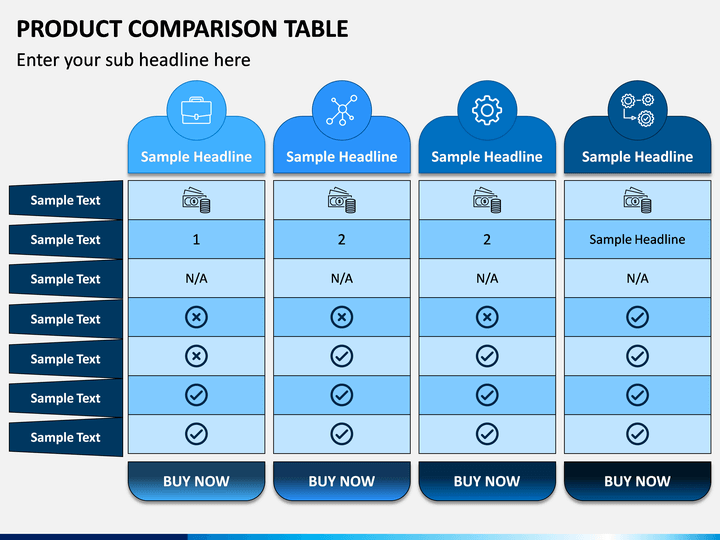
The platform you choose will depend on your business’s needs. Popular options include:
- WordPress: Ideal for content-rich websites, blogs, and businesses needing high customize ability.
- Shopify: Best for e-commerce businesses.
- Wix/Squarespace: Great for small businesses and beginners seeking simplicity.
- Custom Development: Nicessary for unique functionality or advanced scalability.
Key Elements of Website Design
- Responsive Design: Ensure your website works well on all devices.
- User-Friendly Navigation: Use clear menus and call-to-actions (CTAs).
- Fast Loading Speed: Optimize images and code to improve site performance.
- Engaging Content: Use compelling text, videos, and images to engage users.
Practical Example: A local bakery’s website uses WordPress with WooCommerce for online orders, a simple navigation menu for exploring products, and optimized images to reduce loading time.
3. Managing Your Business Website
Regular Updates and Maintenance
Website management doesn’t end after development. Ongoing maintenance ensures your site remains secure, functional, and up-to-date. Key tasks include:
- Content Updates: Regularly add blog posts, update service information, or share news.
- Security Checks: Install updates and run vulnerability scans.
- Performance Monitoring: Use tools like Google Analytics to track user behaviur.
- SEO Optimization: Continuously improve on-page and technical SEO.
Actionable Tip: Schedule weekly checks for broken links, outdated content, and plugin updates to keep your website in top shape.
Optimizing for Search Engines (SEO)
To attract more visitors, your website must be optimised for search engines. Focus on:
- Keyword Research: Use tools like Google Keyword Planner to identify relevant search terms.
- On-page SEO: optimise titles, meta descriptions, and headers.
- Content Marketing: Publish high-quality, keyword-rich blog posts.
- Technical SEO: Improve site speed, fix crawl errors, and ensure mobile-friendliness.
4. Leveraging Advanced Tools and Features
Integrating E-Commerce
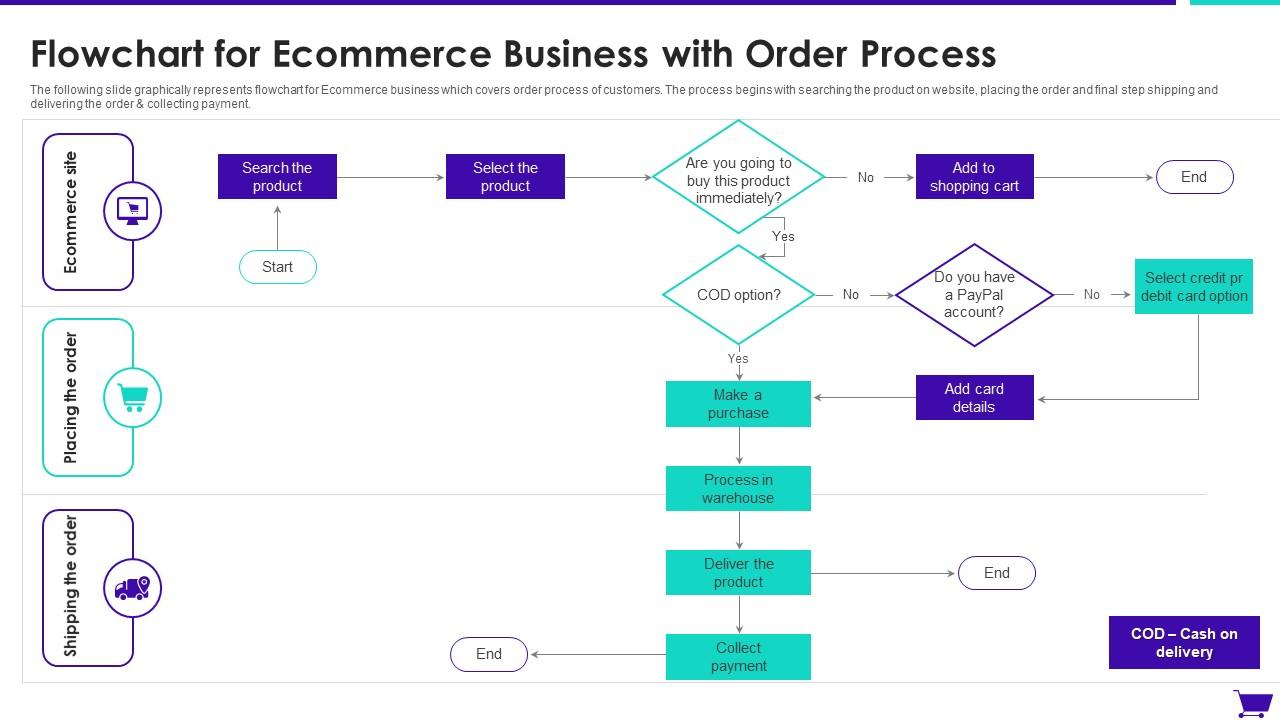
If you’re selling products or services, consider integrating e-commerce features. Examples include:
- Payment Gateways: Add PayPal or Stripe for seamless transactions.
- Inventory Management: Use tools like WooCommerce to track stock.
- Customer Reviews: Display testimonials to build trust.
Using Analytics for Insights
Analytics tools like Google Analytics and Hotjar can provide insights into user behavior, helping you refine your website. For example:
- Track bounce rates: identify pages that need improvement.
- Monitor Traffic Sources: Learn where your audience is coming from.
- Test Changes: Use A/B testing to refine your site design and CTAs.
Image suggestion: A screenshot of a Google Analytics dashboard with highlighted metrics. (Place after this section.)

5. Actionable Tips for Success
Build a Strong Brand Identity
Your website should reflect your brand’s identity. Use consistent colours, fonts, and logos to create a cohesive experience.
Invest in Professional Help
While DIY website builders are appealing, hiring professionals can elevate your website’s quality and functionality.
Stay Updated with Trends
Web trends evolve rapidly. Stay informed about innovations like AI chatbots, voice search optimisation, and interactive design elements.
Prioritize Accessibility
Ensure your website is accessible to users with disabilities by following Web Content Accessibility Guidelines (WCAG).

6. Real-Life Success Stories
Example 1: Small Retailer
A small clothing boutique revamped its website using Shopify, integrated Instagram Shopping, and saw a 200% increase in online sales within six months.
Example 2: Professional Services Firm
A legal consultancy used WordPress to launch a blog sharing legal tips. Traffic grew by 150% due to consistent SEO-optimized posts.
Conclusion
Website development and management is an ongoing process that requires strategic planning, consistent effort, and adaptation to changing trends. By understanding the fundamentals, leveraging the right tools, and focusing on user experience, businesses can create websites that drive growth and achieve long-term success.